

Ways to Use AI in Everyday Life and Business
The ways to use AI in everyday life are no longer reserved for tech giants or futuristic movies. Today, AI is woven into our routines—shaping how we work, shop, learn, and even take care of our health.
Think about it: when Netflix recommends your next favorite series, or when Google Maps gives you the fastest route, that’s AI at work. Businesses also rely on AI to analyze data, improve customer experiences, and automate repetitive tasks.
Why AI Matters in Everyday Life
The beauty of AI is that you don’t need to be a programmer or tech wizard to benefit from it. Tools are designed for everyday people and businesses, offering solutions that save time, reduce stress, and open new opportunities.
In this post, you’ll discover 5 powerful ways to use AI in everyday life and business. We’ll explore productivity, content creation, data analysis, customer experience, and health & wellness—with real-world examples, easy tools, pros/cons, and simple action steps.
1. Productivity & Automation
How It Simplifies Everyday Life
One of the most practical uses of it is boosting productivity. These tools handle repetitive tasks so you can focus on meaningful work.
-
Email management: It filters, prioritizes, and even drafts responses.
-
Scheduling: Tools like Calendly or Motion use it to auto-schedule meetings and manage to-do lists.
-
Smart assistants: Alexa, Siri, or Google Assistant rely on it to manage reminders and tasks with simple voice commands.
Real-World Example of AI in Everyday Life
A freelance consultant uses Zapier AI to automate workflows. When a client fills out a form, Zapier automatically:
-
Sends a personalized confirmation email.
-
Logs client info into Google Sheets.
-
Schedules a meeting link.
This saves her 4–5 hours weekly that would otherwise be spent on admin work.
Comparison Table: Manual vs AI Productivity
| Task | Manual Process | AI-Powered Tool | Time Saved |
|---|---|---|---|
| Sorting Emails | 1–2 hours daily | Gmail AI filters | 80%+ |
| Scheduling | 30 mins per client | Calendly | 90%+ |
| Data Entry | Hours weekly | Zapier | 70%+ |
Pros
-
Saves hours weekly.
-
Minimizes human error.
-
Works 24/7 without fatigue.
Cons
-
Some AI tools require subscriptions.
-
Over-automation can feel impersonal.
Action Step: Start by automating just one repetitive task—like email responses or scheduling. This gives you a taste of it efficiency without overwhelm.
2. Content Creation
How It Transforms Creativity
Content drives the internet, and it has become a reliable partner for creators, marketers, and businesses. It doesn’t replace creativity but supercharges it.
-
Writing: Draft blog posts, emails, or captions with ChatGPT or Jasper.
-
Design: Create professional graphics with Canva.
-
Video Editing: Tools like Runway and Descript use it to simplify editing.
Real-World Example
A small business owner running an online bakery uses:
-
ChatGPT for Instagram captions,
-
Canva to design posts,
-
Lumen5 to turn blogs into videos.
Result? She cut her marketing time in half while keeping her brand authentic.
Pros
-
Speeds up content creation.
-
Helps brainstorm fresh ideas.
-
Beginner-friendly tools.
Cons
-
Content may feel generic if not personalized.
-
Over-reliance on it can reduce originality.
Action Step: Use it to generate a first draft—then refine it with your own voice. Think of it as a helpful co-writer, not the final author.
3. Why Data + AI is a Game-Changer
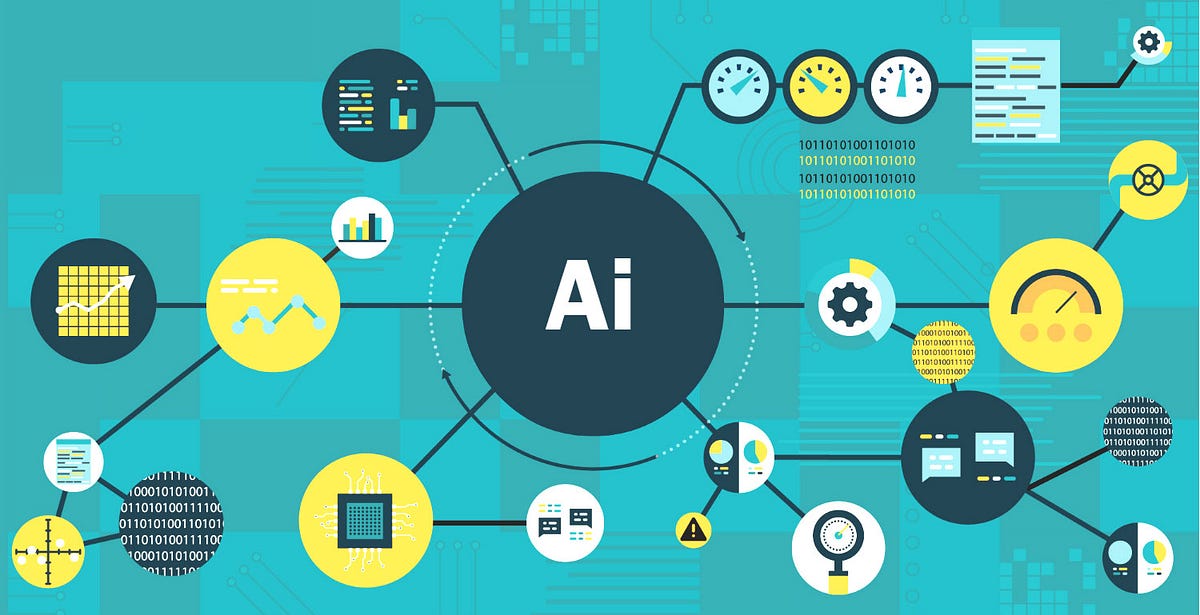
Data is often called the “new oil,” but without it, it’s just noise. It transforms raw information into clear, actionable insights.
-
Business Insights: Tableau or Power BI use it to reveal patterns and trends.
-
Marketing: Google Analytics 4 leverages it to forecast customer behavior.
-
Finance: Forecasting tools powered by AI help businesses plan with confidence.
Real-World Example
An e-commerce store taps into Google Analytics it to spot trending products. With AI-driven predictions, they adjust inventory before demand peaks.
Comparison Table: Data Analysis
| Task | Without Tools | With AI Systems | Result |
|---|---|---|---|
| Sales Forecasting | Manual spreadsheets | Tableau / Power BI | Accurate predictions |
| Customer Segmentation | Guesswork | Google Analytics | Data-driven groups |
| Financial Planning | Hours of manual work | dashboards | Faster decisions |
Pros
-
It provides accurate predictions.
-
Saves massive analysis time.
-
Improves decision-making.
Cons
-
Some tools have a learning curve.
-
Costs may be high for advanced platforms.
Action Step: Start with Google Analytics 4—it’s free and delivers powerful insights for websites and businesses.
4. Using It for Personalized Customer Experience
The Power of Personalization
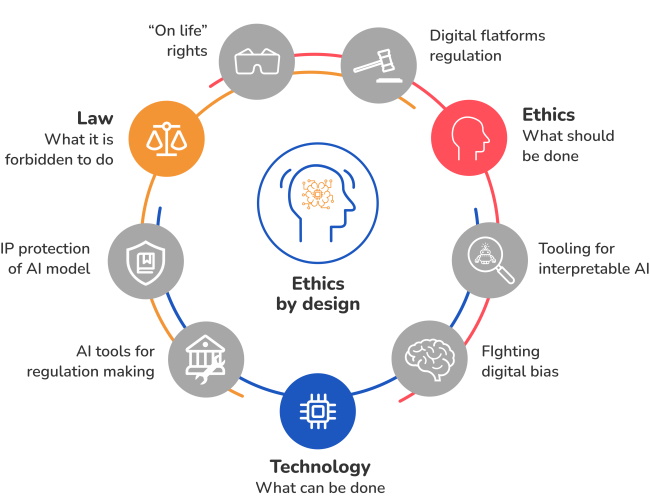
Consumers expect quick, customized interactions. helps businesses deliver just that.
-
Chatbots: Intercom or Drift provide 24/7 support.
-
Recommendations: Amazon and Netflix rely on it to suggest products or shows.
-
Email personalization: Klaviyo and Mailchimp use it to tailor emails to customer behavior.
Real-World Example
A clothing store integrates an AI chatbot on its website. Customers ask about sizes or shipping instantly, while AI-driven recommendations boost sales by suggesting related items.
Pros
-
Increases customer satisfaction.
-
Always available.
-
Boosts sales with personalization.
Cons
-
Poorly designed bots can frustrate.
-
Privacy concerns with AI data use.
Action Step: Install a simple chatbot (many offer free trials) to handle FAQs, freeing your team for complex issues.
5. Health & Wellness
Everyday AI for Better Living
It is not only changing business—it’s transforming health and well-being.
-
Fitness Tracking: Apple Watch or Fitbit use it to suggest workouts and monitor sleep.
-
Mental Wellness: Apps like Woebot or Wysa provide AI-driven emotional support.
-
Medical Support: Ada Health uses it for quick symptom checks.
Real-World Example
A busy professional relies on Fitbit’s AI insights to monitor sleep and stress. The app suggests exercise and mindfulness routines, improving overall health.
Comparison Table: Traditional vs AI in Health
| Area | Traditional Approach | AI Solution | Key Benefit |
|---|---|---|---|
| Fitness Tracking | Manual journaling | Fitbit / Apple Watch | Real-time insights |
| Mental Wellness | Occasional therapy | Wysa / Woebot | 24/7 accessibility |
| Health Checks | Clinic visits only | Ada Health App | Instant guidance |
Pros
-
Encourages healthy habits.
-
Provides instant support.
-
Tracks progress automatically.
Cons
-
Cannot replace doctors or therapists.
-
Privacy concerns with health data.
Action Step: Download a free AI wellness app like MyFitnessPal with AI features or Ada Health. Use it daily to track small improvements.
FAQs
1. Is it too complicated for beginners?
Not at all. Many modern tools are designed with simple, user-friendly interfaces.
2. How can small businesses get started?
Begin small—use chatbots, automated marketing, or free analytics features.
3. Are these tools expensive?
Some are free, like Google Analytics or Canva, while advanced platforms may require subscriptions.
4. Can it replace human creativity?
No. it works best when paired with human imagination and emotional intelligence.
5. What’s the easiest way to start today?
Pick one area—emails, content, or fitness—and test a free tool to help.
Conclusion: Your First Step Toward Everyday AI
Artificial Intelligence isn’t just for Silicon Valley—it’s for you. From boosting productivity to improving health, it’s tools can make life easier and business smarter.
If you’re still asking how to use it in business and everyday life, the answer is simple: start small, stay consistent, and let it grow with you.
Choose one tool—whether for automation, content, or wellness—and try it for a week. You’ll be amazed at how everyday AI applications save time, reduce stress, and unlock new opportunities